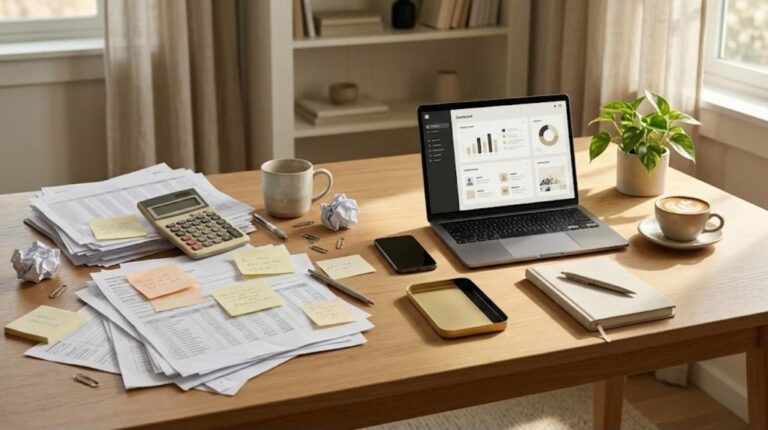
If your customer info lives in your phone, your email, a notebook and three spreadsheets, you’re not alone. That’s how most owners run things until it stops working. And that’s usually when they start asking what a CRM for small business actually does.
So here’s the plain-English answer, without the tech talk.
What Is a CRM?
CRM stands for customer relationship management. In simple terms, it’s one place to keep track of everyone you do business with and every conversation you’ve had with them. You can read the basic definition of CRM if you want the textbook version.
Think of it as a smart contact list. However, instead of just names and numbers, it remembers who called, what they asked for, when you followed up and what happens next.
What a CRM for Small Business Does
A good CRM for small business usually helps you:
- Keep all your contacts and notes in one place
- See every lead and where they stand
- Send follow-up texts and emails automatically
- Book appointments and send reminders
- Send invoices and collect payments
- Ask happy customers for reviews
So instead of remembering everything, the system remembers for you.
Signs You Need a CRM for Small Business
You probably need one if any of these sound familiar:
- You’ve forgotten to follow up with a lead, and they went elsewhere.
- You can’t remember the last time you talked to a past client.
- Your team asks you for customer details all day.
- You miss calls and never call back.
- You use more than three apps to run your customer side.
Also, if you feel like the business lives in your head, that’s a big sign.
Spreadsheet vs CRM
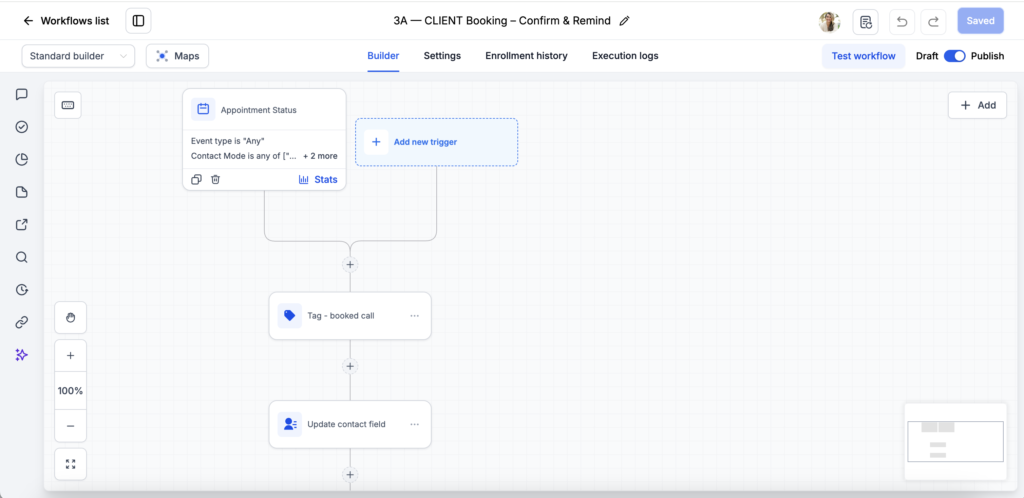
Spreadsheets work at first. Still, they can’t send a reminder, text a lead back or tell you who needs a follow-up today. In other words, a spreadsheet stores information, while a CRM for small business acts on it.
How to Choose a CRM for Small Business
There are a lot of options. So keep it simple and look for:
- Ease of use. If you won’t use it, it doesn’t matter how powerful it is.
- All-in-one tools. Texting, email, calendar and payments in one place save money and headaches.
- Real support. Someone who helps you set it up around your business.
- Room to grow. Automations you can turn on later.
For many service businesses, an all-in-one platform like GoHighLevel covers all of this. If that’s where you’re starting, read my guide on GoHighLevel for beginners.
Where to Start
First, get your contacts into one place. Then connect your phone and email. Next, turn on missed call text back so no caller slips away. Finally, set up one booking calendar and one simple pipeline.
That’s all a new CRM for small business needs at first. You can add more later, once the basics run smoothly.
Frequently Asked Questions
What is the best CRM for small business?
The best one is the one you’ll actually use. For service businesses, an all-in-one CRM with texting, booking and payments is usually the easiest fit.
Is a CRM for small business worth it if you work alone?
Yes. In fact, solo owners often benefit most, because the CRM handles follow-up while you do the work.
How long does it take to set up a CRM?
The basics of a CRM for small business can be set up in a day or two. Then you add features over time.
Want Help Choosing or Setting One Up?
A CRM for small business should make your life easier, not harder. That’s the whole idea behind The Profit Hero™: a ready-to-use platform plus hands-on help. Grab the free OPORD planning guide, or book a free 15-minute consult.