
You’re on a ladder, in a session or driving to a job. Your phone rings, and you can’t pick up. By the time you call back, they’ve already booked someone else. That’s exactly the problem missed call text back solves.
It’s one of the simplest automations in any CRM. And for service businesses, it’s often the one that pays for everything else.
What Is Missed Call Text Back?
It’s an automation that sends a text message to anyone whose call you don’t answer. For example: “Hi, this is Rebeca. Sorry I missed your call! How can I help?”
So instead of a voicemail they may never leave, the caller gets an instant reply. Then the conversation keeps going by text until you’re free.
Why Missed Call Text Back Works
Most people who call a local business are ready to buy. However, if nobody answers, many of them simply call the next business on the list.
Also, a lot of people today would rather text than leave a voicemail. Because the text arrives within seconds, they feel heard, and they’re far more likely to wait for you.
Who Needs Missed Call Text Back Most
Honestly, almost every service business. Still, it makes the biggest difference for:
- Contractors, builders and home service pros
- Coaches, therapists and consultants in sessions all day
- Salons, trainers and wellness providers
- Any owner who answers their own phone
In short, if you can’t always pick up, you need it.
How to Set Up Missed Call Text Back
In most all-in-one CRMs, including GoHighLevel, the setup takes a few minutes:
- Connect your business phone number to the CRM.
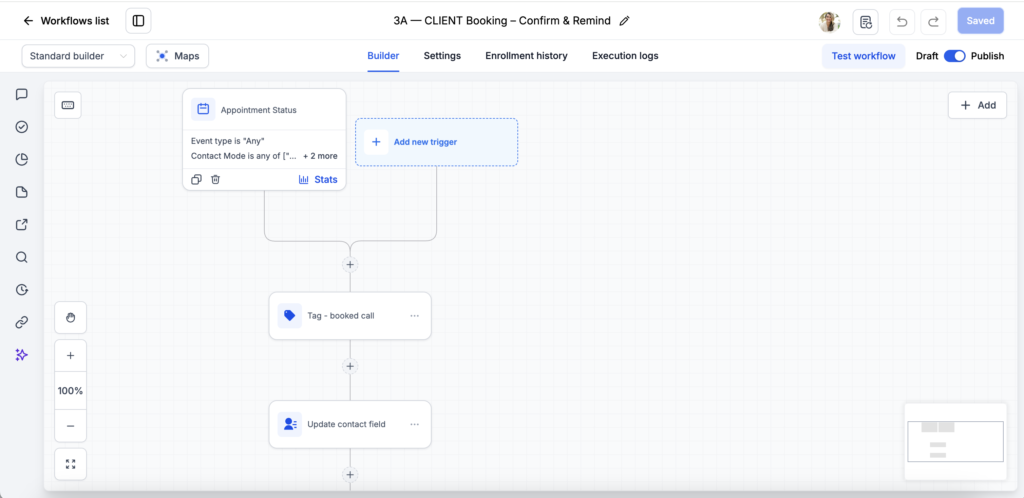
- Turn on missed call text back in your phone settings or build a simple workflow.
- Write a short, friendly message in your own voice.
- Test it by calling your number and letting it ring.
Next, make sure your texting is registered. In the US, business texting requires A2P 10DLC registration, or your messages may not deliver. If you’re new to the platform, my guide on GoHighLevel for beginners covers this step.
How to Write a Missed Call Text Back Message
Keep it short, human and helpful. For example:
- “Hi! Sorry I missed your call. I’m with a client. What can I help you with?”
- “Thanks for calling! I’m on a job site right now. Text me here and I’ll get back to you quickly.”
Also, avoid sounding like a robot. People should feel like a real person will follow up, because one will.
Make the Follow-Up Count
That first text starts the conversation. However, you still need to finish it. So check your inbox a few times a day and reply quickly.
Then, once someone books, let the rest of your system take over: reminders, follow-ups and review requests. That’s how one small automation turns into a steady stream of booked jobs.
Frequently Asked Questions
Does missed call text back work on my cell phone?
It works through a business number connected to a CRM. Many owners forward their main business line to it, or use the CRM number as their main number.
Is missed call text back annoying to customers?
Not when the message is short and friendly. In fact, most callers appreciate a quick reply.
How much does missed call text back cost?
It’s usually included in all-in-one CRMs, with small fees for each text sent.
Want It Set Up for You?
Missed call text back is one of the first things we turn on inside The Profit Hero™. If you want help setting it up, book a free 15-minute consult, or grab the free OPORD planning guide to plan your next 90 days.