
You set up your listing, and Google asked you to record a video. Now you’re wondering what to film and how not to mess it up. Google Business Profile video verification is quick once you know the rules, and you only want to do it once.
So here’s exactly what Google looks for, and how to pass on the first try.
What Is Google Business Profile Video Verification?
It’s how Google confirms your business is real and that you manage it. Instead of a postcard, you record one continuous video on your phone. Then a Google reviewer watches it, usually within a few days.
Also, Google decides which method you get. You can’t always choose, so if video is the option, it’s worth doing right.
What Google Wants to See in Your Video
Basically, Google needs three kinds of proof in a single take:
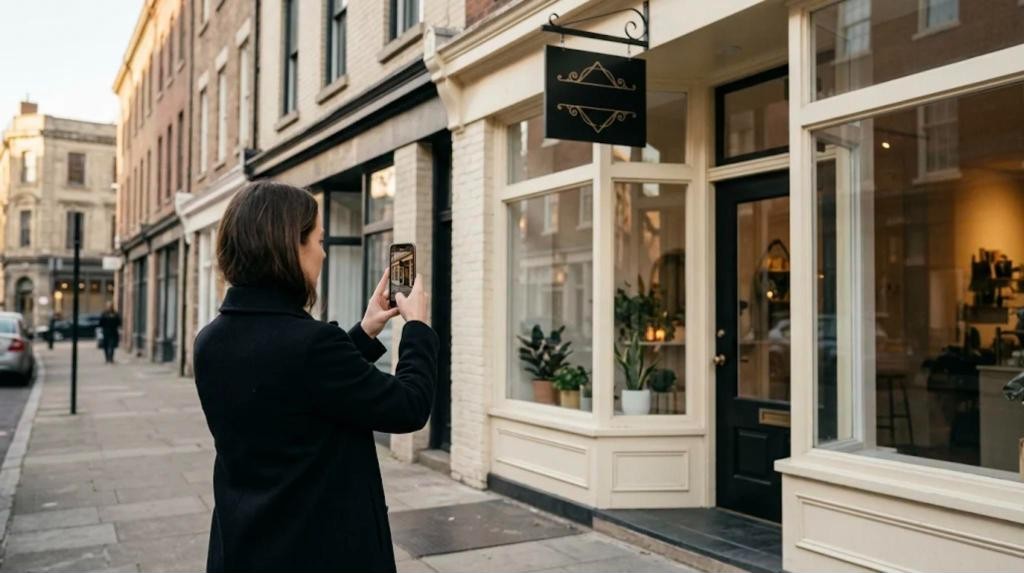
- Your location. Street signs, nearby businesses or your building’s outside, so they can match it to your address.
- Your business. Your sign, branded vehicle, equipment, tools or work in progress.
- Proof you manage it. For example, unlock a door, open your cash register, or show a business document with your name on it.
In short, they want to see that you’re really there and really in charge.
How to Record Google Business Profile Video Verification
To begin, follow these steps for a clean video:
- Plan your route before you hit record.
- Start outside with the street name or a landmark in view.
- Walk to your sign, door or vehicle without stopping.
- Show your tools, products or workspace.
- End by showing something only the owner can access.
Next, keep it to one to two minutes. Don’t edit, cut or add music, because Google wants raw, continuous footage.
Google Business Profile Video Verification for Home-Based Businesses
If you work from home or travel to clients, you can still pass. First, set your profile as a service-area business and hide your address. Then film your branded vehicle, your tools and any business paperwork.
However, don’t film the inside of your home just to show a room. A desk alone doesn’t prove much. Equipment and branding do.
Why Videos Get Rejected
In most cases, rejections come down to a few common mistakes:
- The video is edited or cut into clips
- There’s no clear sign of the location
- Nothing shows the business name or branding
- The name on the profile doesn’t match your signage
- The footage is too dark or shaky to see
So if you were rejected before, fix the cause first. My guide to Google Business Profile verification problems walks through the most common ones.
After You Submit
Google usually reviews videos within five business days. Meanwhile, don’t change your business name, address or category, because edits can restart the review.
Once you’re verified, start optimizing right away. My Google Business Profile optimization guide shows what to set up first. You can also read Google’s own verification help page.
Frequently Asked Questions
How long is a Google Business Profile verification video?
Generally, aim for one to two minutes in one continuous take.
Can I redo my verification video?
Yes. If it’s rejected, Google usually lets you record again. Fix the issue they mention before you try.
Do I need a storefront for video verification?
No. Service-area businesses can pass by showing vehicles, tools and paperwork.
Want Help Getting Found on Google?
Getting verified is step one. Then your profile needs to work for you. That’s part of what we set up inside The Profit Hero™. Book a free 15-minute consult, or grab the free OPORD planning guide to plan your next 90 days.